Technology for a business event: what does InnStyle offer and what do you need to arrange yourself?
You've found the venue, the date is set and your event programme is starting to take shape. Then comes the moment when someone asks: 'What about the technical side of things?'
For some event managers, that's the cue to request a quote and move on. For others, it triggers a series of questions they'd rather not spend too much time on, because the technical side of a business event isn't their area of expertise, budgets are already largely set, and ‘we'll sort that out later.’
Sound familiar? Then this article is for you.
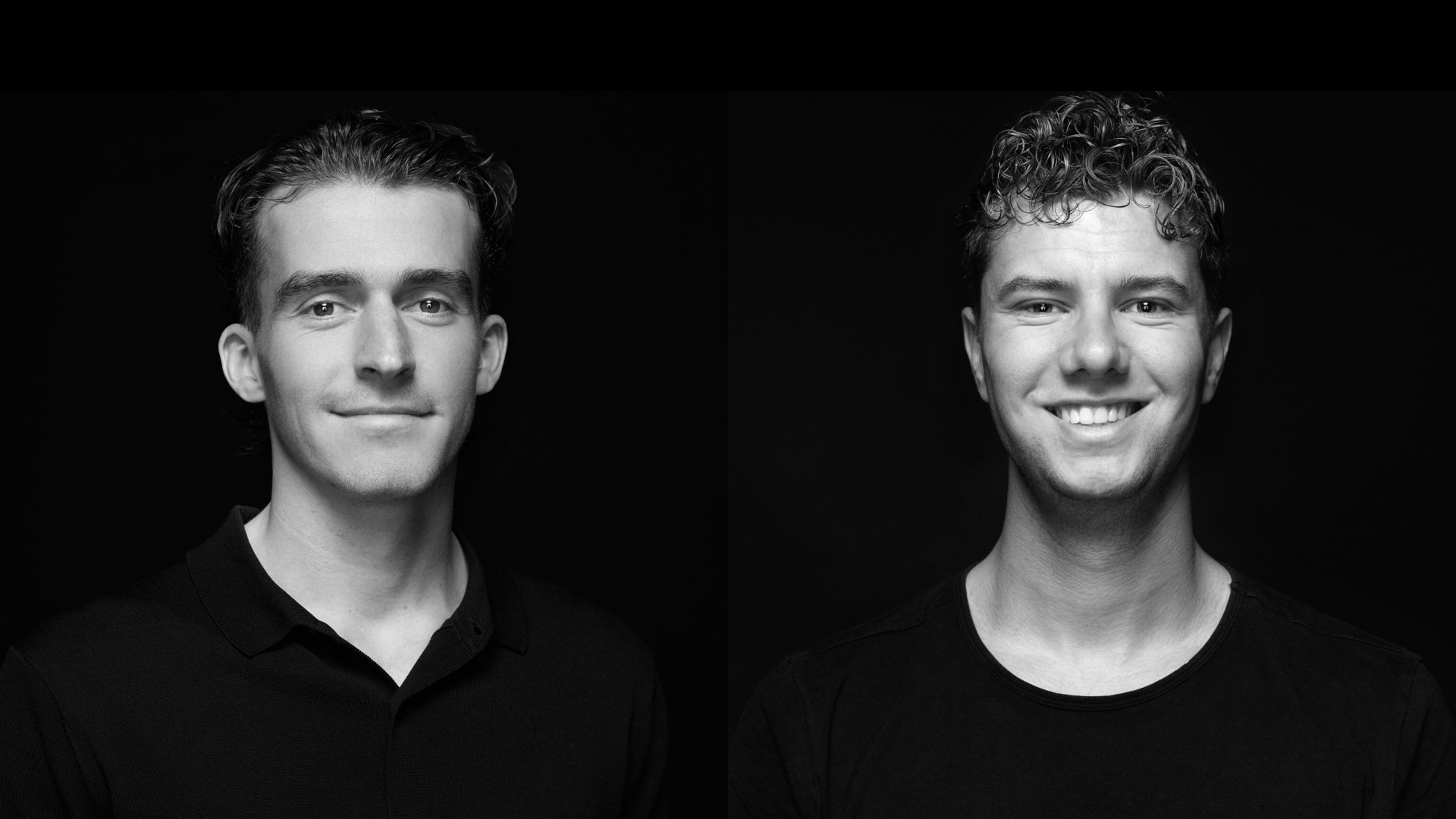
At InnStyle, we work with First Impression, an event technology specialist with 28 years of experience. Sebastiaan van de Raa and Daan Driessen - responsible for sales and technical advice at First Impression - help take care of the venue's permanent technical setup. From sound and visuals to LED screens, lighting and live streams. In this article, they answer the questions clients ask them most often. And address the assumptions they encounter most often, including the costly ones.
After reading, you'll know what's possible at InnStyle, what you need to supply yourself and what you almost always leave too late.
What does First Impression do at InnStyle?
First Impression has years of experience in creating technology-driven experiences and installs audiovisual systems for corporate clients in sectors including retail and events. Since May 2025, they have been InnStyle's regular technical supplier.
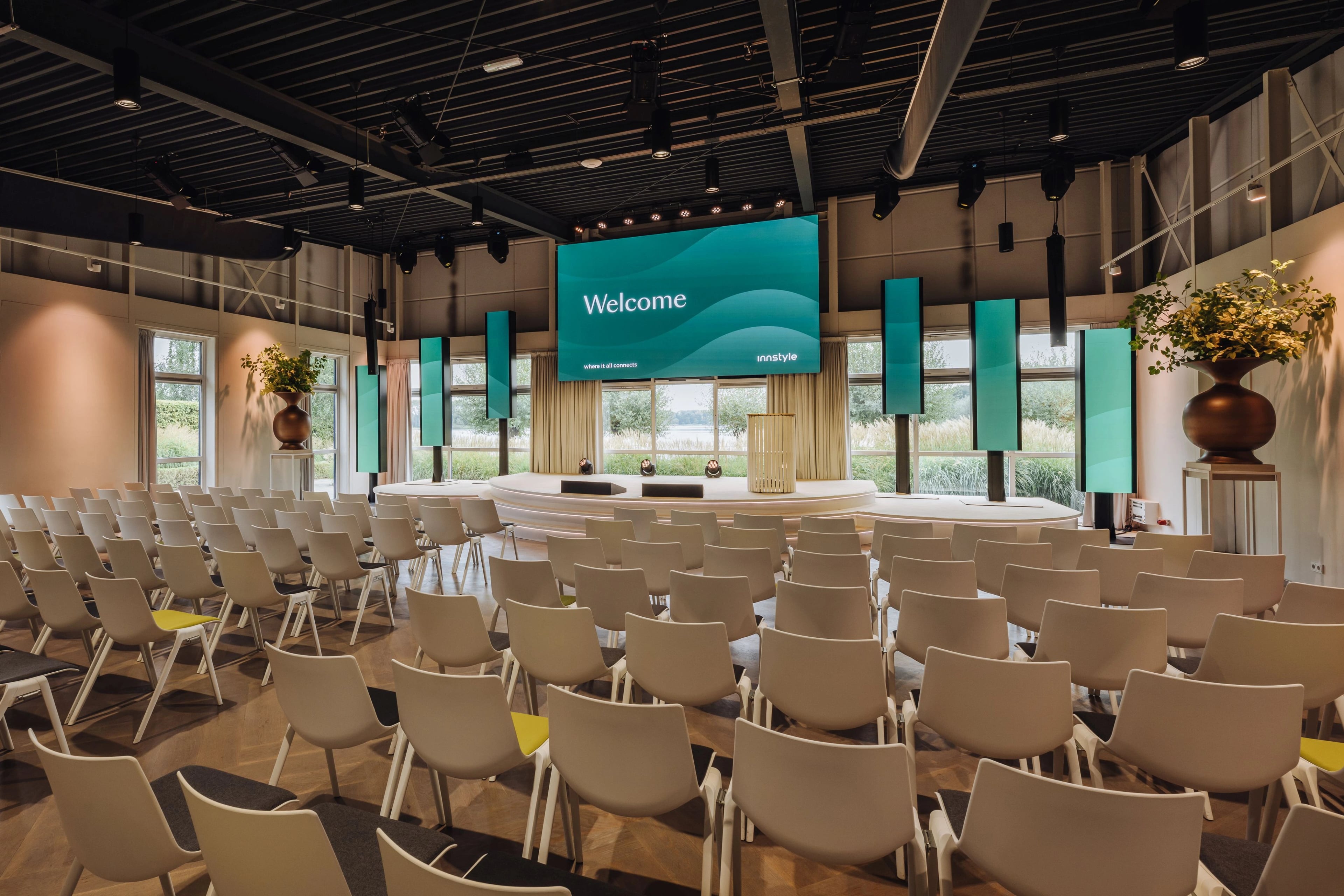
That means InnStyle has a permanent audiovisual setup put together by First Impression. Professional sound systems, LED screens, lighting setups: everything is permanently installed and ready to use. You don't need to hire your own technician or have equipment delivered and set up. First Impression handles the entire technical operation, from preparation through to dismantling.
They also help you think things through. Setting up presentations on their own PCs, designing content in your brand style, creating a 3D visualisation of how the space will look on the day. Even if you want to bring in a DJ or another form of entertainment, they handle the technical coordination. You don't need to worry about it: First Impression works with you from the very start.
The questions event managers ask First Impression most often
Question 1: ‘It's not a large space, do we really need a microphone?’
Whether you need a microphone depends on the number of guests and the acoustics of the space, not on the feeling that you're ‘only a small group’.
Our rule of thumb is: for 30 or more attendees, sound amplification is recommended. Think of a classroom: even if everyone is quiet and the speaker has a strong voice, you can quickly lose people's attention without amplification, and it becomes harder to hear clearly.
That also applies if the presentation includes videos or if the speaker is speaking for more than a quarter of an hour. At that point, we recommend a headset. Unlike with a handheld microphone, the speaker then has their hands free, can move around freely and maintains a consistent sound level.
Of course, it is not compulsory. But if working with First Impression has taught us one thing, it is this: the spaces at InnStyle sound bigger than they look.
Question 2: 'How should I submit my presentation?'
You may be used to working with a USB stick. That is often possible, but not always. Those exceptions regularly cause stress just before the start.
With professional AV screens and display systems, using a USB stick is not always possible. What is more, many companies have internal policies prohibiting USB devices because of malware risks. And there you are, just before the opening.
What does work: sending your content to First Impression in advance. They prepare your videos (including those played on cue), presentations and opening screens, and test everything, including seamless transitions. No black screen, no error message, no speaker searching for the right content. You can even watch from the control desk and give the cues yourself. Either way, this is one thing you do not need to worry about.
What you must not forget: submit presentations well in advance. There are always last-minute changes on the day of the event, and that is normal, but the earlier you submit everything, the more time there is to test it at the right resolution, with the right fonts and working videos.
Question 3: ‘How long do you need to set up?’
The equipment is already installed and the stages are ready, which cuts down on set-up time, but the technical run-through is still on the to-do list.
A run-through is when the speaker gets familiar with the space, the clicker, the microphone and the stage. Someone who is used to giving a presentation using the space bar on a laptop suddenly finds themselves in front of an audience with a headset and a clicker that feels different. It does not take long to get used to, but a little practice is always welcome.
For the organiser, the run-through is also a moment of calm: who is doing what, do we have everything, are we ready? On a day when expectations are high, that reassurance is invaluable.
We always try to allow around an hour for a technical run-through, even if there is little to set up. Packing away can happen later: after drinks, or discreetly to one side while the programme is still running.
Question 4: ‘Can we stream this easily?’
Streaming is certainly possible, but ‘easily’ is a relative term.
A good livestream requires a stable internet connection, a carefully chosen platform and a production team to switch between shots. Preparation is key here: what exactly do you want to show? Which platform will you use for this? Is any privacy-sensitive information involved?
First Impression provides its own streaming equipment and software, allowing a range of camera setups to be used. They switch between shots and can add a bumper, intro/outro or title bar for a professional look.
Streaming does not have to be live, by the way. Recording for internal distribution, marketing or sharing afterwards with people who could not attend - these are all options. At InnStyle, we can also stream from one room to another if not everyone fits in the same space.
The assumptions about technology at business events that most often prove wrong
Assumption 1: ‘It’s already installed, so it doesn’t cost anything extra’
This is the most common misconception. And understandably so: if the equipment is already installed, it feels as though you can simply use it.
But that is not entirely true. The permanent installation at InnStyle saves you money on transport, setup and dismantling, and staff hours, but the purchase cost, maintenance and technical support on the day are still factored into the price.
Experienced event managers include a technical budget in their overall budget and ask for this to be included in the initial quote. If you are less familiar with this: ask for an overview of the packages early on, so you know exactly what to expect from the outset.
Assumption 2: ‘I’ll sort out the technology once everything else is confirmed’
This is the assumption that most often leads to regret.
Once the contract has been signed and a provisional allowance is included in the quote, the technical side of things may seem flexible. But if you have already spent the rest of your money and First Impression only gets involved later, you risk having less financial scope to bring your ideas to life. Most of the budget has already been allocated by then, which means most of the ideas have already been finalised.
If you involve the technical team early in the process - during a site visit, for example - we can show you what is possible. In the control area for the rooms, there is a control panel that lets us demonstrate different shows and lighting plans live. That means little on paper, but seeing and feeling for yourself what lighting and sound do to a space says it all.
Some clients realise it as soon as they enter the plenary room Aarde (building 2.0) : we can really do something with this. You want that enthusiasm at the start of the process, not long after the contract has been signed. You really want to make sure the technical budget still has room for creativity.
Assumption 3: ‘A basic setup is enough for us’
That may be true, but be aware of what you could be missing out on.
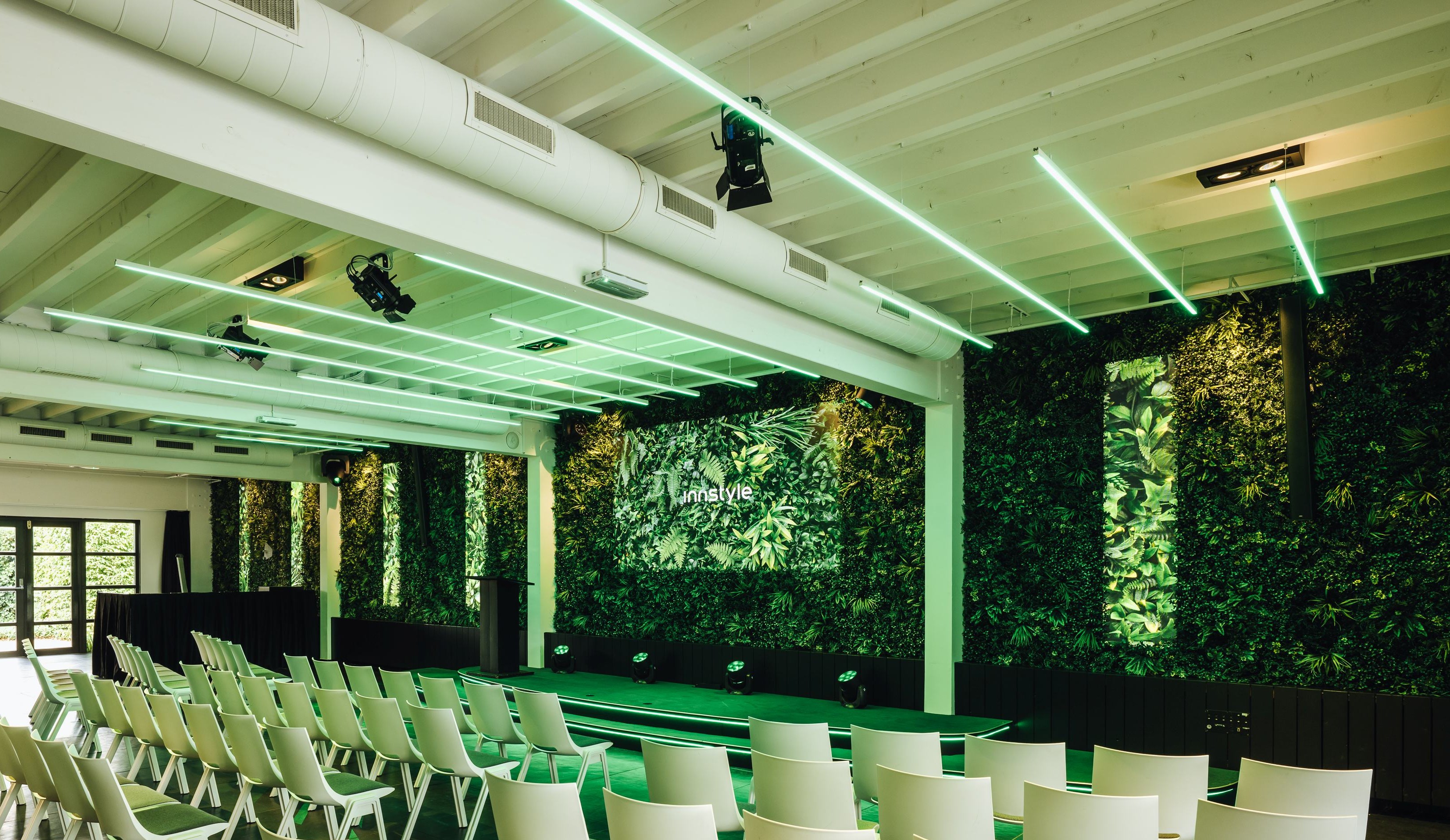
At InnStyle, there are spaces where you can use smoke, add visual effects and use side screens for extra impact. There are LED screens that display content entirely in your own branding. There is digital signage at the entrance, perfect for a welcome message or programme overview as your guests arrive.
A confetti cannon or a light show during an awards presentation, a bespoke catwalk with carpet and printed materials in your branding, or content that brings models or products to life without them needing to be physically present.
‘You don’t have to use it all. But it’s a shame to realise afterwards what could have been done and that you’ve now missed out on these options.’
Getting the technical side of your event right
At most events, technology is a secondary concern until something doesn’t look or sound right. Then it suddenly becomes the only thing people talk about.
At InnStyle, that risk simply isn’t there. First Impression makes sure everything is right, from the first cue to the final lighting setup. You stay in control of your programme and your message. They make sure that message gets across.
Want to know more about technology at your business event? Find inspiration here.
Want to know what’s possible for your specific event? Come along for a site visit so you can see straight away what technology can do for a space.
Or do you already have a specific event in mind? Send an enquiry directly to InnStyle, and we’ll put you in touch with the First Impression team as early as possible.